 Tag Your Photo
Your whole booth, running on an iPhone or iPad
Capture, upload, tag, generate and print — from a device that fits in your hand.
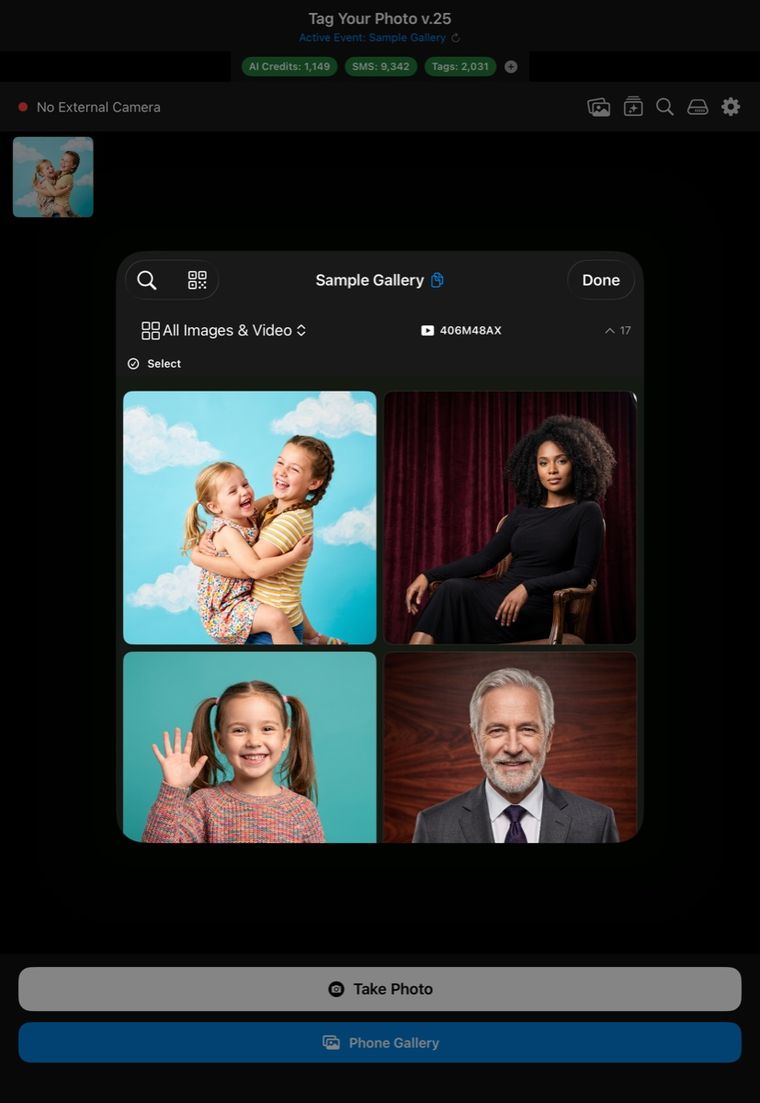
Where the app is right now. Tag Your Photo for iPhone and iPad is live on the App Store. Download it, sign in with your operator account, and the events you have already created are waiting for you. Questions before you start? Get in touch and we’ll talk.
Built for the way events actually run
Shoot tethered, or shoot handheld
Plug a camera in over USB and the app drives the shutter, catches physical shutter presses, and pulls each frame across as you shoot. No camera? Use the iPhone or iPad camera instead, import from the camera roll, or browse the camera’s memory card and pull photos into the event.
Run a full photo booth
Photo Booth Mode gives you a live preview, a five-second countdown and automatic capture. Guests can wave at the camera to start it — nothing to touch. Lock the whole thing behind a four-digit PIN so nobody reaches your settings, your delete button or your AI credits.
Uploads take care of themselves
Every photo goes onto a background queue and uploads while you keep shooting. Oversized files compress automatically. If an upload fails, the photo is saved to the device along with the phone numbers and AI style it was meant to carry, and retries later with all of it intact.
Tag guests where they’re standing
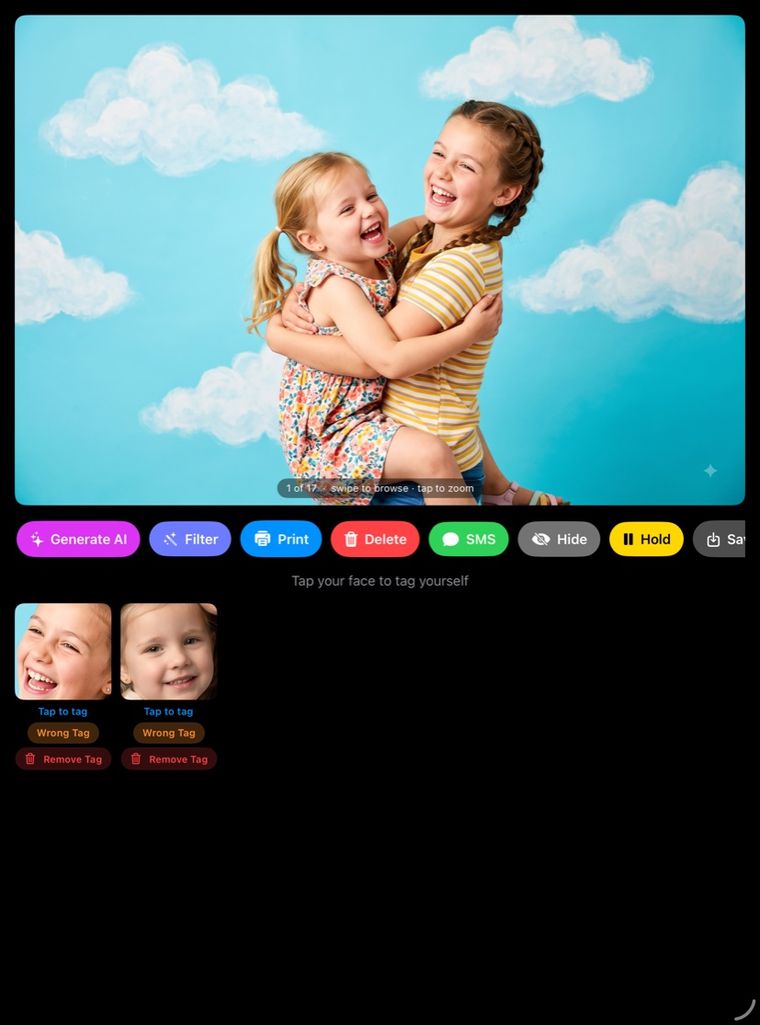
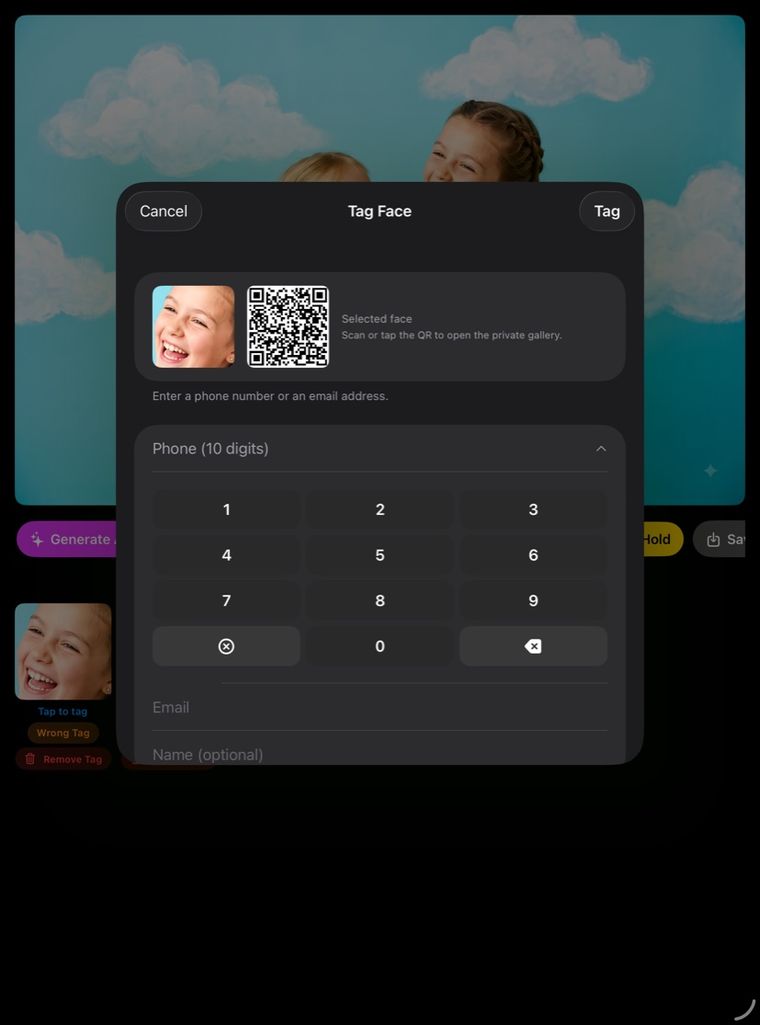
Tap a face in a photo, capture their number or email, and hand them a QR code straight to their own gallery. Search every photo of one person across the whole event.
Generate AI on the spot
Pick a saved style before the photo uploads, or open any photo and generate from there. Image or video. Your credit balance is on screen.
Print without a laptop
Choose an AirPrint printer, turn the printer toggle on, and the app checks the queue every thirty seconds and prints what’s waiting. No dialog. No per-photo confirmation.
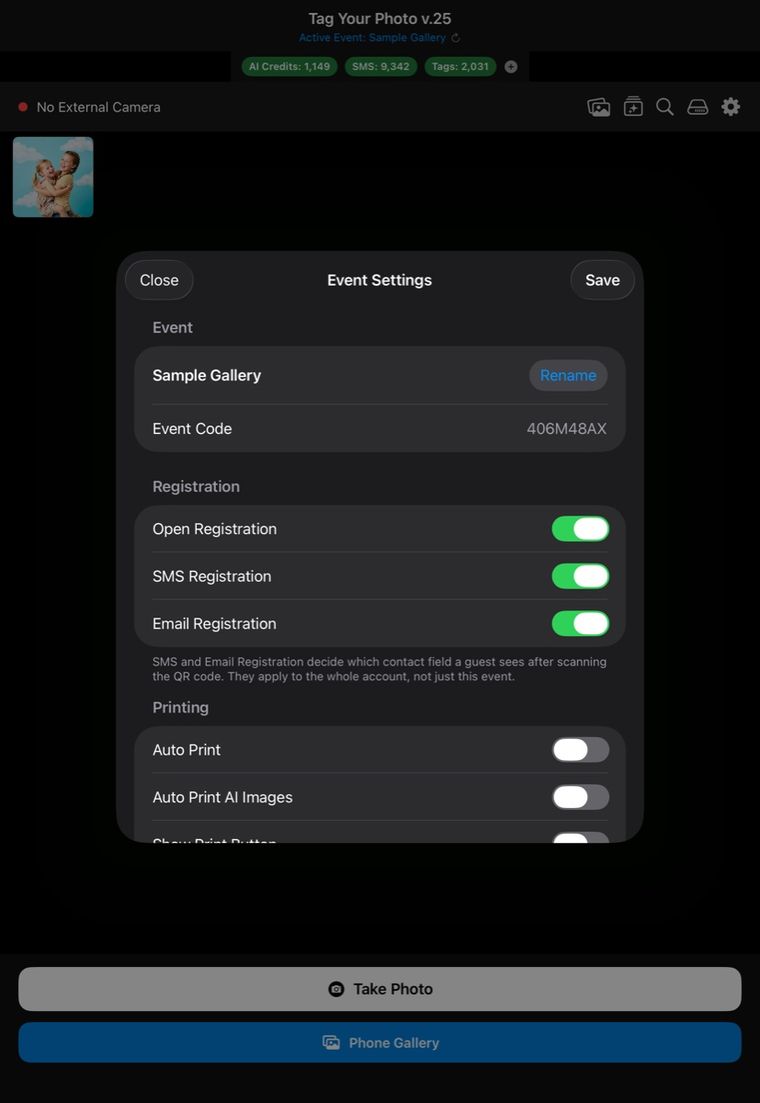
Run the event from the same screen. Switch active events, create new ones, and open the full per-event settings — registration, printing, galleries, AI, white label — all from the app. It’s the same settings the website shows, because it’s the same system underneath.
Inside the app
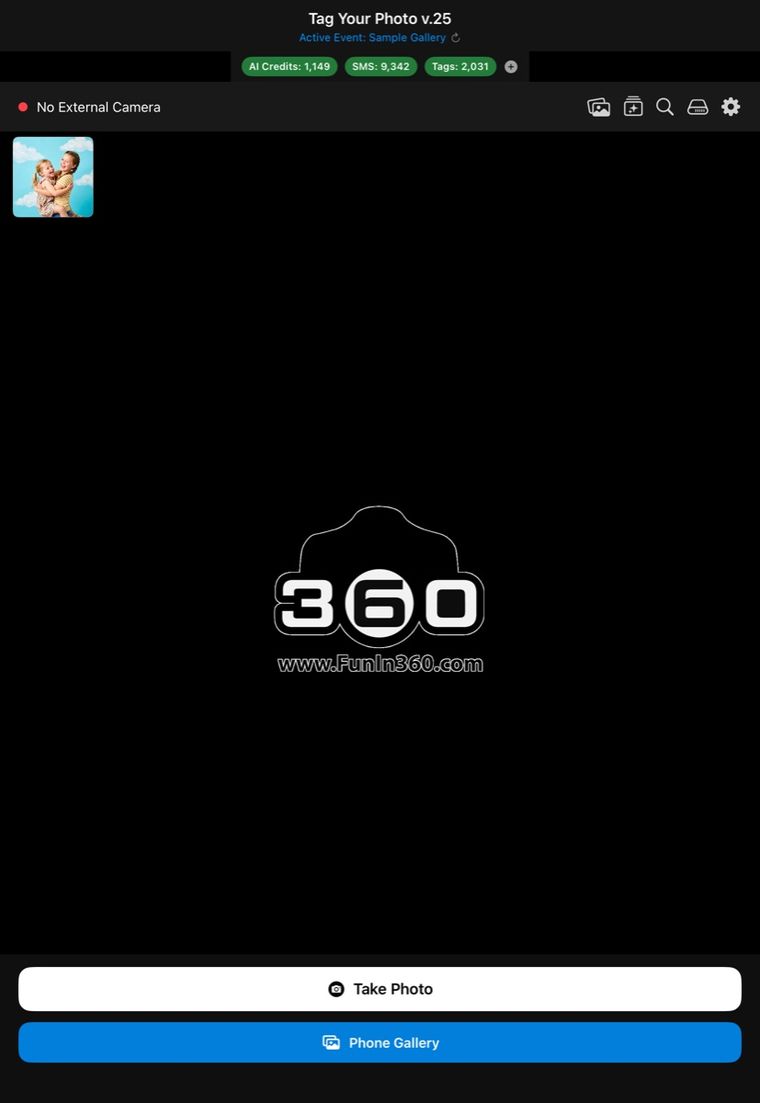
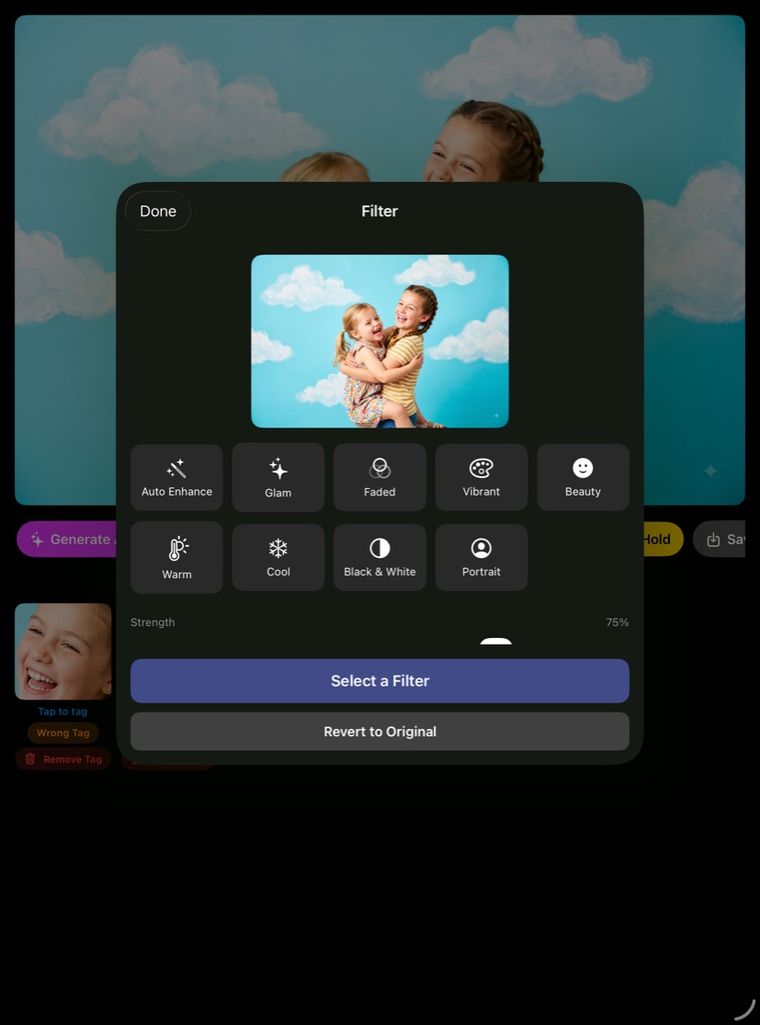
Captured on iPad. The people shown are AI-generated sample images, not event guests.
What it runs on
| iPhone | Yes — iOS 17.6 or later |
|---|---|
| iPad | Yes — iPadOS 17.6 or later |
| Cameras | Canon, Sony and Nikon over USB |
| Printers | Any AirPrint printer |
| Sign-in | Email and password, Sign in with Apple, or Sign in with Google |
There is no Android version.
Your guests don’t need it. This app is for you, not them. Guests never install anything — they scan a QR code and everything happens in their phone browser.
Ready to run your next event from your pocket?
The app is on the App Store. Tell us about your events and we’ll help you get set up.